
UAF strikes hit ammunition depot, command posts and bridge in occupied territories
Over the past 24 hours, Ukrainian units damaged military infrastructure in the south and east: an ammunition depot in Crimea, two command posts and a road bridge.
Over the past 24 hours, Ukrainian units damaged military infrastructure in the south and east: an ammunition depot in Crimea, two command posts and a road bridge.
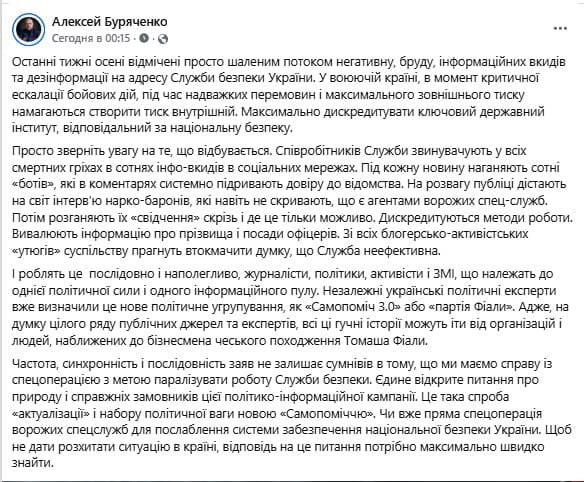
Political scientist Oleksiy Buryachenko stated about systematic attempts to undermine trust in the SBU through bots, data leaks and discreditation.
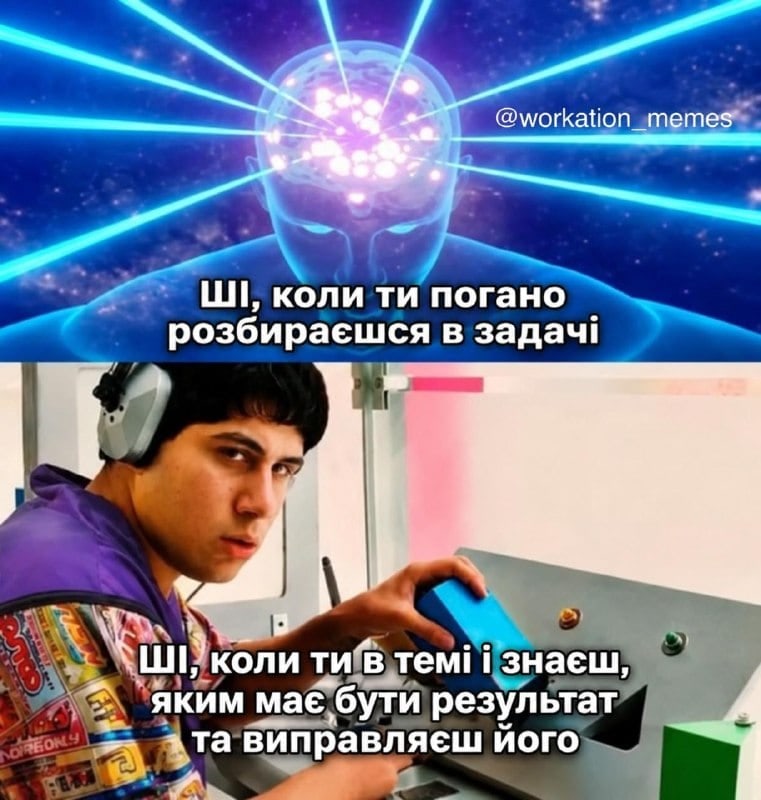
Joint experiment by Cosmolot and Vector reveals only a third of participants successfully identified materials generated by neural networks.

The cash currency market will operate with a high spread on Saturday. Experts explain why prices differ at exchange offices and how to choose a favourable offer.

A ballistic missile that failed to detonate has been found in the courtyard of a residential building in the capital's Podil district.

Banking secrecy protects transfer data, but financial monitoring can flag unusual activity. Only business income or gifts from non-relatives are taxable.

Stablecoin supply has shrunk by $16bn over the past 30 days, marking the fastest outflow of funds since 2022. Experts discuss the causes of this phenomenon and its potential implications for the crypto market.

The TV presenter shared an archival photo with her grandmother and told about a strange coincidence that linked her childhood to her first major career trip.
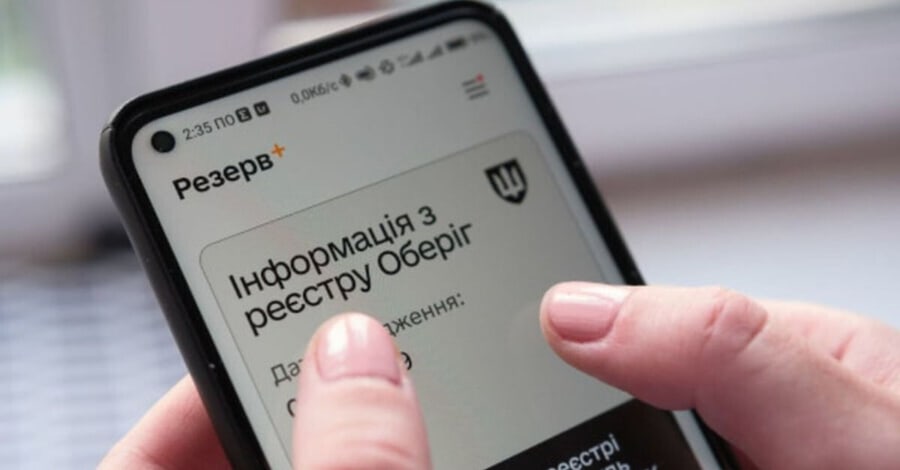
Information on conscripts, persons subject to military service, and reservists is centrally stored in the state "Oberyh" registry. Citizens do not need to visit offices to verify the accuracy of this data. Thanks to digital services, they can remotely confirm the correctness of records and initiate corrections if necessary.
The simplest way to find out about one's military registration status is to use the "Rezerv+" mobile application. The programme interacts directly with the "Oberyh" registry, allowing users to view key information without being physically present at the Territorial Centre for Recruitment and Social Support (TCC and SS).
After authorisation, the user sees their military registration category and information on which specific TCC and SS their record is attached to. In addition to basic data, the app allows users to check:
The app provides a function to change contact information and submit requests to correct errors. However, it is worth noting that changes are not entered into the registry automatically. After a request is sent, the data undergoes verification and processing by authorised bodies.
In cases where the system cannot find information about the user or displays the status "Requires clarification", it is necessary to establish the cause. First, it is advisable to try to resolve the issue through the data correction section in the app. If this cannot be done remotely, one should contact representatives of the TCC and SS.
In addition to the digital service, data can be verified in person at the territorial recruitment centre. Such a visit is appropriate when the information in the "Rezerv+" app does not match the data in the paper military ID or other documents. At the TCC and SS, staff can cross-check information with the registry, explain the person's current status, and make corrections if supporting documents are available.
The electronic military registration document can also be obtained via the "Diia" portal. General consultations on available services are provided at administrative service centres (TsNAP).
It is important to clearly distinguish between the concepts of being on military registration, being removed from it, and being excluded. Each of these statuses has its own specific legal significance. If a citizen has documents confirming exclusion from registration, but the corresponding information is missing in the electronic system, it is necessary to initiate the data verification procedure.
The absence of a record in the "Rezerv+" app is not in itself proof of exclusion from military registration. Therefore, when discrepancies are found between electronic data and documents, it is essential to verify official information before drawing conclusions about one's status.
It was previously reported that the functionality of the "Rezerv+" app had been expanded. Users gained access to extended information from the "Oberyh" registry in PDF format, as well as additional tools for tracking changes and correcting errors.
Comments
No comments yet. Be the first!